 Tasogare黄昏


Wallpapers that live.
One hundred and thirty-six original 5K pieces, set on the desktop and the lock screen of your Mac. Some of them follow the sun where you are, from dawn to night.One hundred and thirty-six 5K pieces for the desktop and lock screen of your Mac. Some follow the sun.
Where you are it is ·
One piece, set in one click.
Open a piece, press Set. The desktop and the lock screen follow, on every display. This is the app as it is, filmed on a Mac.
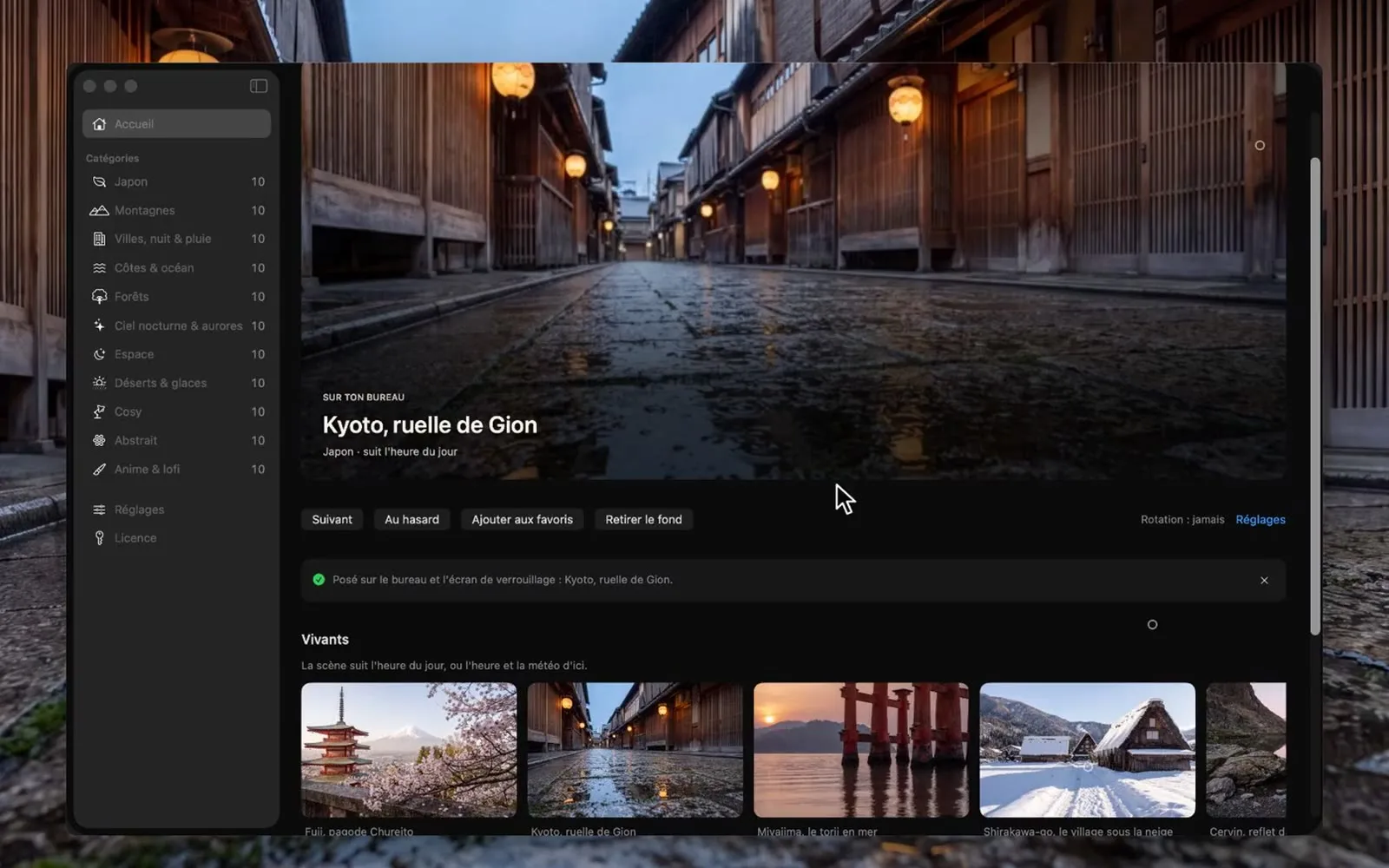
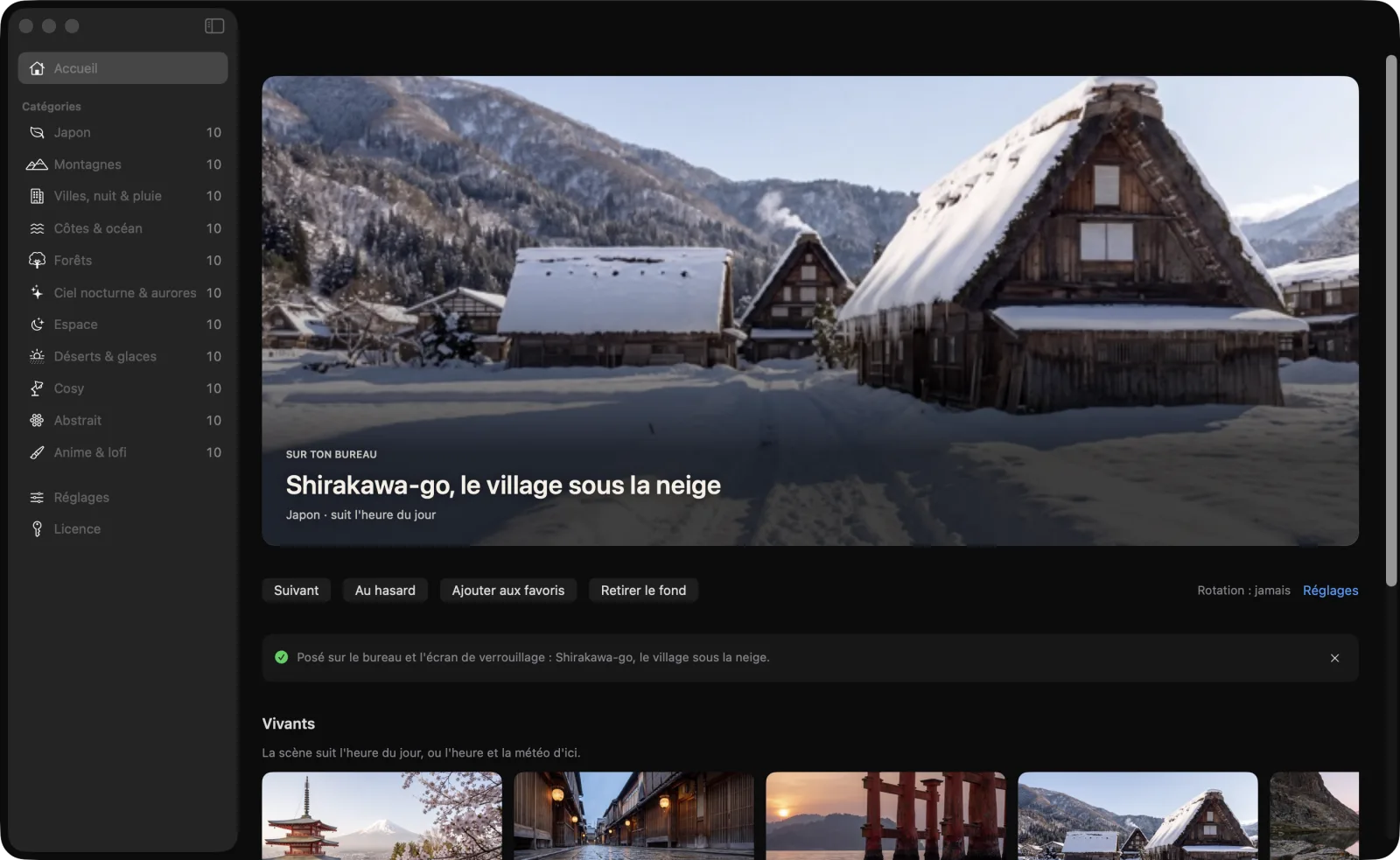
- 1Pick a piece from a category or a row.
- 2Press Set.
- 3Desktop and lock screen change; the app tucks itself into the menu bar.
Calm photographs, not neon.
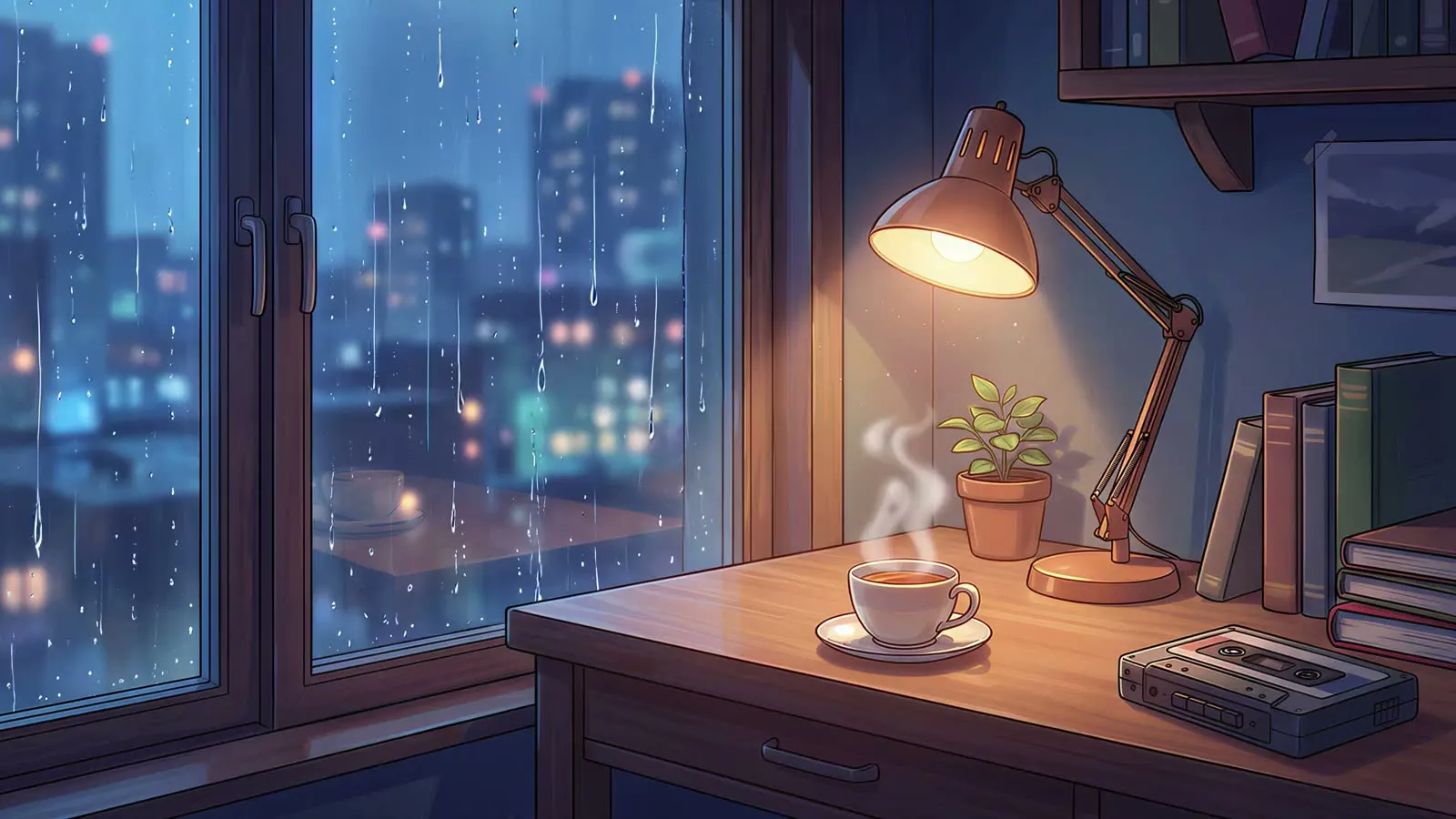 Lofi desk at nightAnimated loop


Native, quiet, at home on a Mac.
Sidebar, system settings, shortcuts: nothing invented. It launches in two seconds, lives in the menu bar, and weighs nothing.


Home: the piece on your desktop, the actions, the Living and Discover rows.
Set once, it lives on its own.
Desktop and lock screen
The same piece on both, nothing to configure. A still for the desktop, a dynamic HEIC for the lock screen: the Mac does the rest.
The time and place you are in
Switches follow the sun at your location, not a fixed clock. Without a location, hours are fixed.
All your displays
One piece per display, or the same everywhere. Re-applied on wake and on space change.
Real numbers
Native 5120 × 2880, never upscaled. The size shown is the file's. A still costs the processor nothing.
One price, once.
No subscription. Free 14-day trial, no account.
- The whole catalogue, and what gets added
- Three Macs with one key
- Offline licence, no account
- App updates included
Questions
Does it work on the lock screen?
Yes, through the public macOS API: the image set on the desktop is picked up by the lock screen. Loops appear there as a still.
How many Macs?
Three. The key is activated in Licence, no sign-in needed.
Why ask for my location?
To align dawn, morning, midday, afternoon, sunset and night with the real sun. The location is approximate and only sent to the weather service. Without it, the app follows fixed hours.
Which versions of macOS?
macOS 14 Sonoma or later, on Apple Silicon Macs (M1 and later). No Intel build for now.
How do I get a refund?
Write to us within fourteen days of purchase, or use the receipt sent by Paddle.